NC business personal property tax: prepare before January
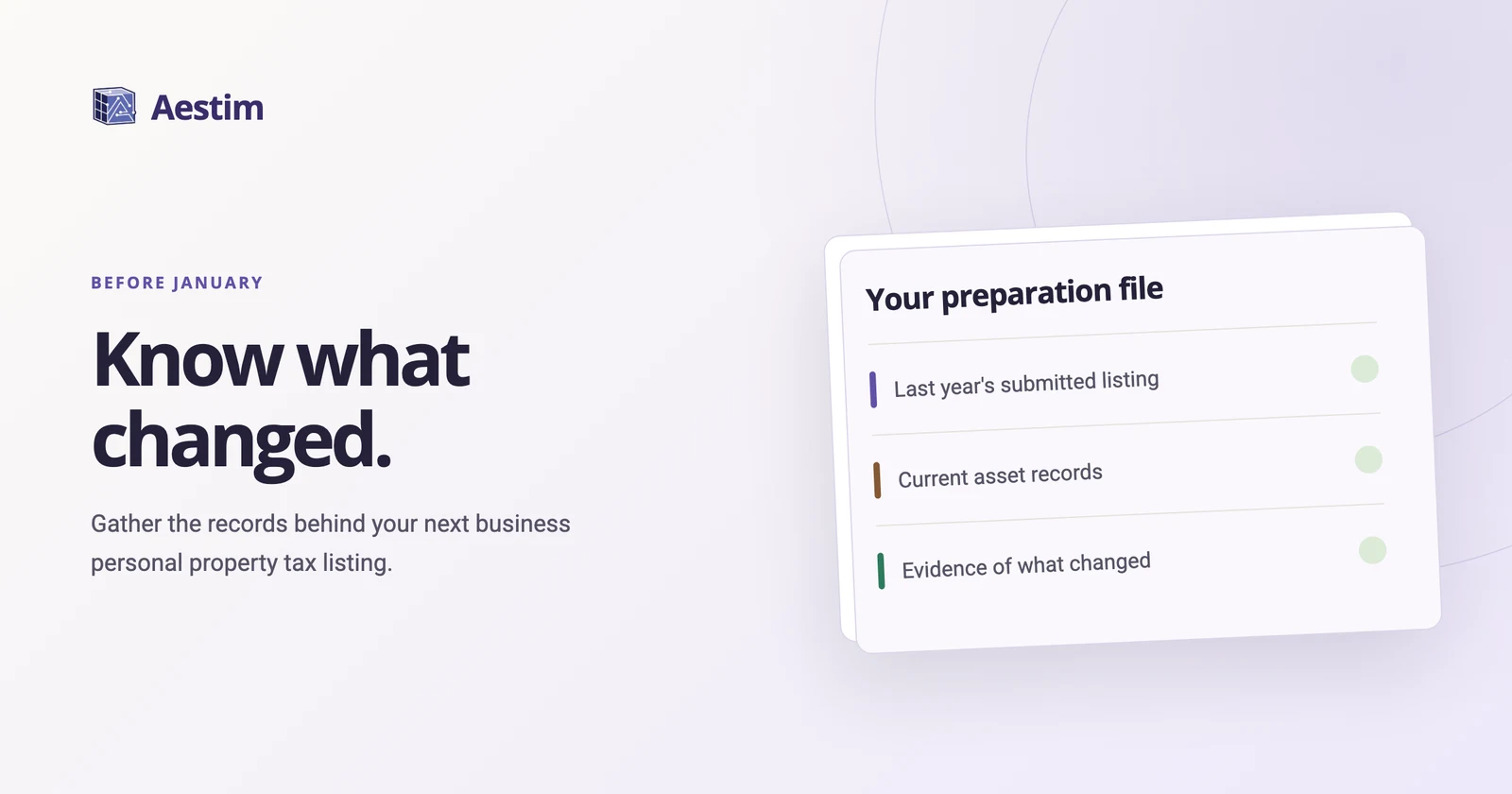
To prepare for North Carolina business personal property tax listing, gather last year's submitted listing, your current asset records, and documentation of purchases, disposals, and transfers. Assign someone to resolve missing information before January, then update the records through year-end.
 Jeremy Lyall
An invoice tells you when a piece of equipment arrived. Finding out what happened to it afterward can take more work. The person who arranged its disposal may be in operations. The transfer record may sit with a location manager. Start those conversations while people can still find the answers.
Understand the January timing
North Carolina's regular listing period begins on the first business day of January and ends on January 31, unless extended under state law. Before relying on a particular filing date, check the applicable year's county instructions and any separate reporting obligations. The state listing-period statute provides the starting point for that review.
Use the weeks before January to prepare your records, then confirm the applicable form and instructions before finalizing the listing. Set an internal date for completing the review and name the person responsible for the last year-end update.
Gather the records behind your listing
Bring together last year's submitted listing, the asset register used to prepare it, and the records supporting subsequent changes. Keep the submitted version separate from working spreadsheets so the preparer can see what was actually reported.
Add a short cover note identifying the business, the locations covered, and who assembled the records. Include a question log with a contact for each unresolved item. The reviewer should be able to follow the packet without reconstructing the conversations behind it.
For example, a restaurant manager might confirm which kitchen equipment is still on site while the bookkeeper gathers invoices. If their records disagree about a replaced refrigerator, the question log gives them a place to resolve it before the preparer reviews the listing. This example illustrates the record-gathering process; an item's tax treatment depends on its facts and the applicable instructions.
Document purchases, disposals, and transfers
The NCDOR listing form asks for acquisition and disposal detail and organizes cost information by asset group and acquisition year. Connect each change to a specific item in your asset register and keep its supporting record close at hand.
Use this checklist as you assemble the packet:
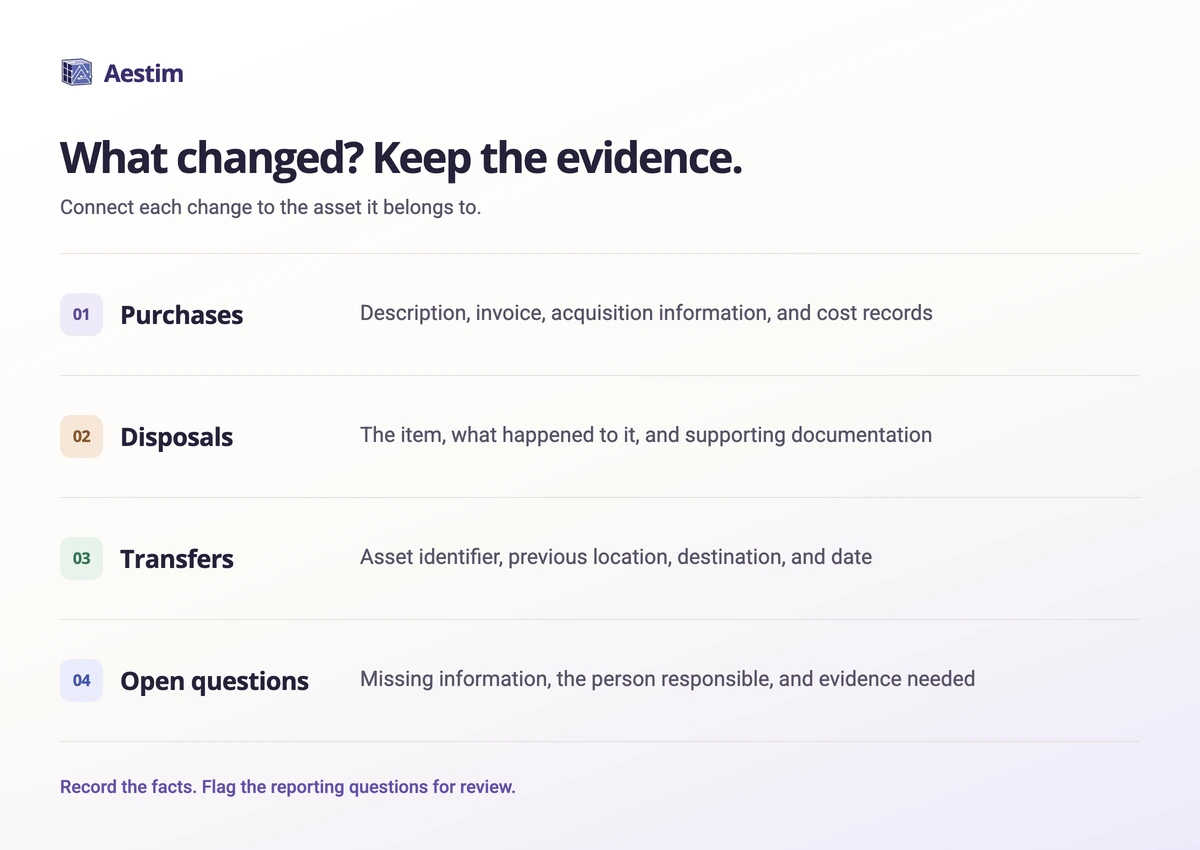
- Purchases: asset description, invoice, acquisition information, and related cost records.
- Disposals: the item that left the business, what happened to it, and supporting documentation.
- Transfers: asset identifier, previous location, destination, and transfer date.
- Open questions: the missing information, the person responsible, and the evidence still needed.
“Computer” is a difficult description to match months later. Add an internal asset identifier, a serial number where available, or a consistent location reference. When records disagree, keep the question open until someone can explain the difference.
A move, an idle machine, or a bookkeeping entry does not by itself settle how an item belongs on a listing. Give the preparer the underlying facts and flag the reporting question for review.
Check beyond the asset register
Some relevant records sit outside the main asset spreadsheet. The NCDOR form has sections addressing leased property, supplies, and improvements to leased property. Gather the related agreements and project records so the reviewer can determine which instructions apply.
Check location information separately. Confirm physical addresses and flag equipment that moved between sites. If your business operates in several locations, identify a contact at each site who can answer questions about its equipment. Ask the preparer to resolve any uncertainty about where an item should be reported.
An old or unfamiliar entry needs an explanation before it is changed. Record why you questioned it and what you found. That history gives next year's reviewer something concrete to work from.
Close the questions before handoff
Review the question log with the person responsible for the listing. Assign each unresolved item, agree on a response date, and decide how late-year changes will reach the preparer. A packet with clearly identified open questions is easier to review than one that leaves the gaps unexplained.
Save a dated copy of the packet you provide. If information changes afterward, identify the revision and tell the preparer what changed. After submission, keep the final listing and available submission confirmation with the supporting records.
Common questions
Can we start before receiving a listing form?
Yes. You can gather prior records, reconcile asset descriptions, and investigate changes before the next form arrives. Check the applicable year's instructions before finalizing the listing.
Should we send our preparer the same spreadsheet as last year?
Use it as a starting reference, then document what changed and what still needs review. Make clear which version is current and retain the prior submitted records separately.
What if we cannot explain an asset entry?
Flag it, identify who may know its history, and gather the available records. Ask the preparer or county tax office about unresolved reporting questions before making assumptions about the item's treatment.
Sources
Primary sources rechecked . This guide explains general preparation steps, not tax advice for a specific business.