Asset-record mistakes to catch before your NC property tax listing
Before preparing an NC business personal property tax listing, review the changes behind your asset totals. Check carried-forward balances, match proposed removals to disposal evidence, and investigate purchases missing from the asset register. A useful review leaves a clear explanation for every proposed change and identifies questions that still need an answer.
 Jeremy Lyall
Fall gives your finance team time to follow up with the people who bought, moved, or replaced equipment. Start with the records you already gathered for listing preparation. This pass focuses on the gaps that can survive even when the folder looks complete.
Carrying forward a balance without checking its contents
Last year's submitted listing is a useful starting point. Before carrying a balance forward, ask what it represents and whether the underlying assets have changed.
Forsyth County's business FAQs explicitly allow taxpayers to correct inaccurate preprinted cost figures. A printed balance still needs review. Follow your county's instructions for the actual correction process.
Keep a copy of the starting balance and a separate working reconciliation. For each proposed change, record the asset description, the reason, and the supporting document. Someone reviewing the work should be able to follow the change without searching through an email conversation.
If the balance cannot be traced to an asset list, flag that gap. Ask the person who prepared the previous workpapers for the supporting detail before rebuilding the total from memory.
Removing an asset before establishing what happened
An equipment description can remain in a spreadsheet after the equipment leaves. The opposite problem also occurs: a team removes an item because someone remembers that it was replaced, although the old item remains in storage.
Ask for a clear account of the event. Was the asset sold, scrapped, returned, or moved? Who can confirm the date? Which document connects that event to the item in the records?
The NCDOR example listing form includes acquisition and disposal detail and asks for explanations of changes. Use that as a prompt to assemble evidence. Confirm the applicable year's form and county instructions before deciding how a change belongs on the listing.
Consider a hypothetical workshop replacing a compressor. The purchase invoice identifies the new machine, while a manager's note says the old compressor is gone. The controller asks for the old asset tag and the removal record. Operations discovers that the old unit was moved to a storage area while a sale was being arranged.
The working file should reflect that discovery. Record the move, keep the sale question open, and get the reporting treatment reviewed. A planned disposal is a different event from a completed sale.
Treating the asset register as the whole review
Some purchases appear in expense accounts and never reach the fixed-asset register. Limiting the review to that register can leave relevant equipment out of the conversation.
Durham County's guidance says business assets should be listed whether capitalized or expensed, with an exception for expensed computer software. The accounting label alone does not settle the reporting question. Check the rules for the property involved and the county where you file.
Ask accounting to identify expense accounts that may contain equipment purchases. Give the reviewer the invoice and a plain description of the item. Keep possible duplicates visible: the same purchase may already appear in another report under a different description.
Avoid bulk changes based on an account name. A review of actual transactions gives the person preparing the listing something concrete to evaluate.
Losing the history behind a purchase
A current invoice may not answer every question needed for reporting. The NCDOR example form asks for acquisition information and historical cost, and its instructions address costs associated with bringing equipment into operation.
Keep the purchase documents together. Where information is missing, write down the precise question: whether an installation charge belongs to this asset, whether a trade-in document identifies the old item, or whether earlier ownership records are available. Ask the county or your preparer how to handle incomplete history before filling the gap with an assumption.
Give each unresolved item a next step
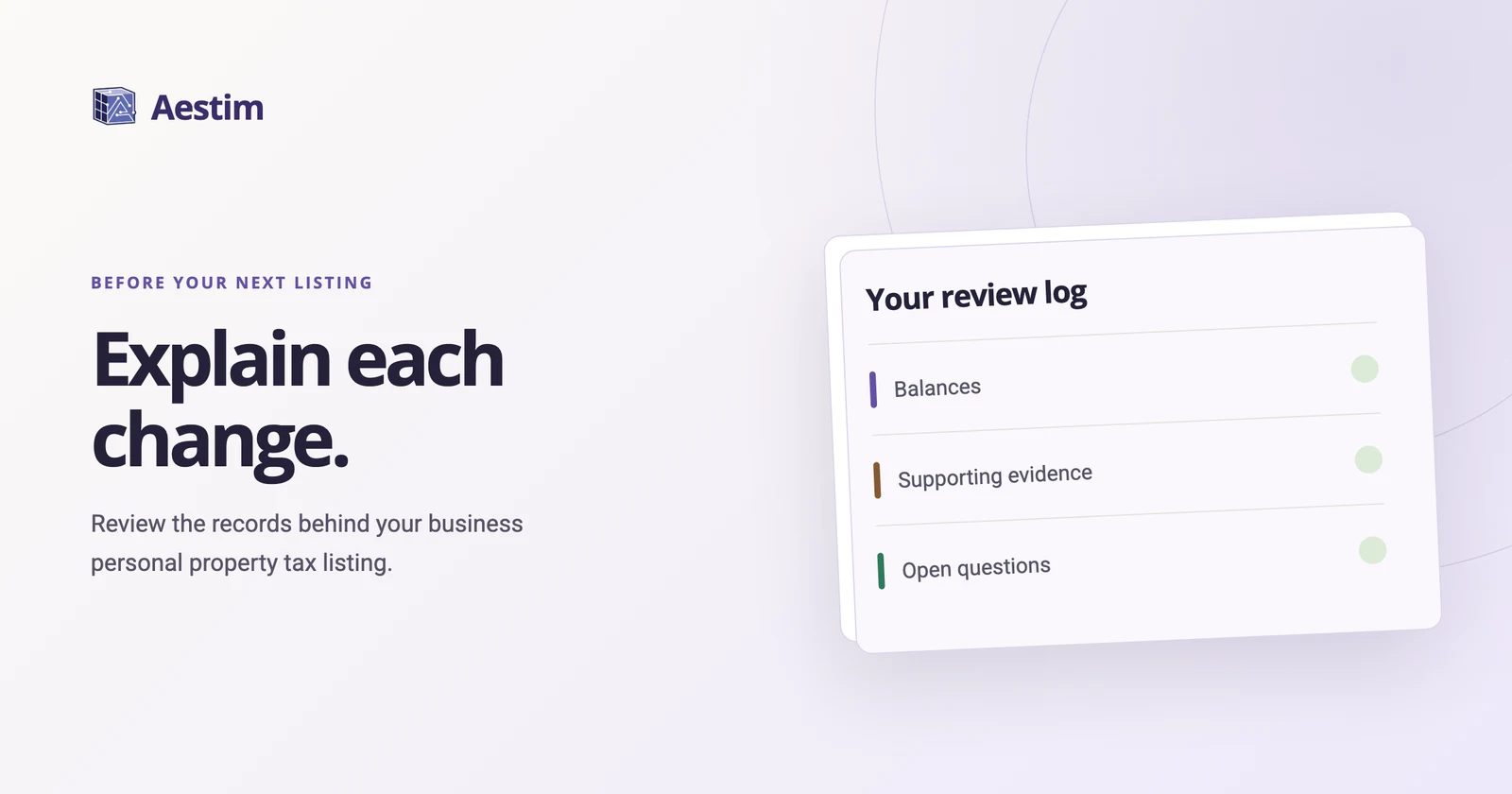
Use a short review log alongside the asset records:
- Balances: Identify the source of each carried-forward amount and explain proposed changes.
- Disposals: Match the asset to the event, date, and available evidence.
- Purchases: Check invoices against both the asset register and relevant expense records.
- Open questions: Name the missing fact, the person following up, and the document or guidance needed.
Keep resolved questions in the log with their answers. That makes the handoff easier when the person checking the records is different from the person preparing the listing.
Common questions
Can I reuse last year's listing?
Use it as the starting point for a documented review. Reconcile changes and check the current county instructions before carrying its figures into a new filing.
Does an expensed purchase belong outside the review?
Include it in the review when it may be relevant business property. Have the reviewer determine the reporting treatment from the applicable guidance.
What if I cannot find proof of a disposal?
Keep the question open and ask operations or accounting for supporting records. Record what is known and seek guidance on the unresolved facts before changing the filing.
Sources
Primary sources rechecked . This guide explains general preparation steps, not tax advice for a specific business.